
Can’t find PolyBuzz on the iPhone App Store? You’re not alone. Many users have recently been asking what happened to the app and why it seems to have disappeared from App Store search results.
The issue has sparked discussions on Reddit, with users wondering whether they can still access their accounts, download the app again, or expect it to return. Similar availability reports have also surfaced around CHAI, another AI chat platform.
We took a closer look at these reports, checked the App Store, and reviewed feedback from users to understand what’s happening. Here’s what we found, along with some practical options for existing PolyBuzz users.
What Happened to PolyBuzz?
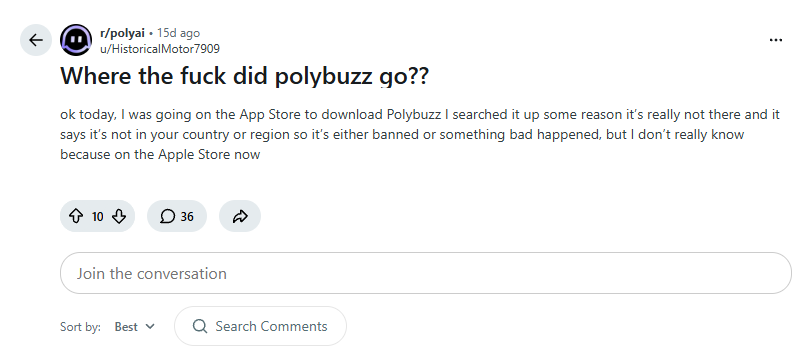
Reports about PolyBuzz disappearing from App Store search began appearing around October 15. Users posted that they could no longer find the app, while others asked whether existing installations would continue to work and how they could download it again.
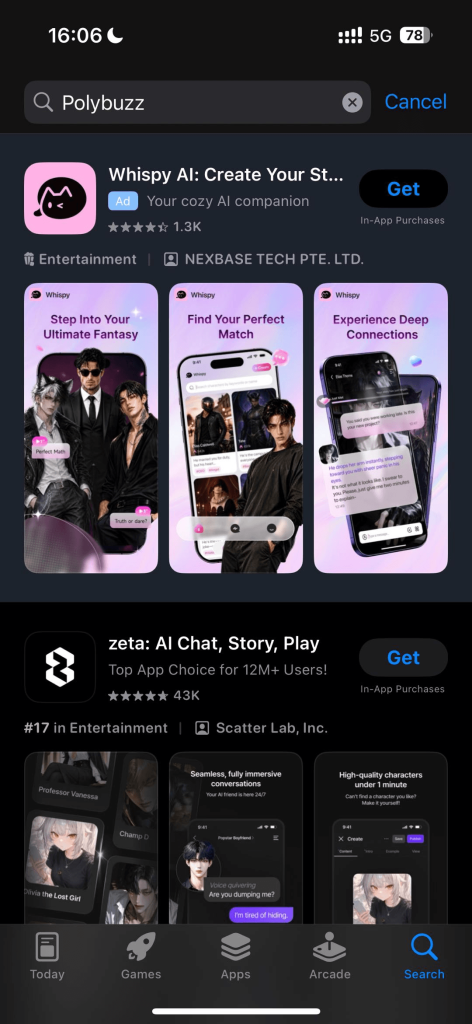
After seeing these reports, we decided to check the Apple App Store ourselves. We searched for “Polybuzz” on the US App Store but couldn’t find the app in the search results.
Some Reddit users have speculated about App Store review requirements, content moderation, or regional restrictions. However, these are community theories; no official explanation has identified the reason for the listing change.
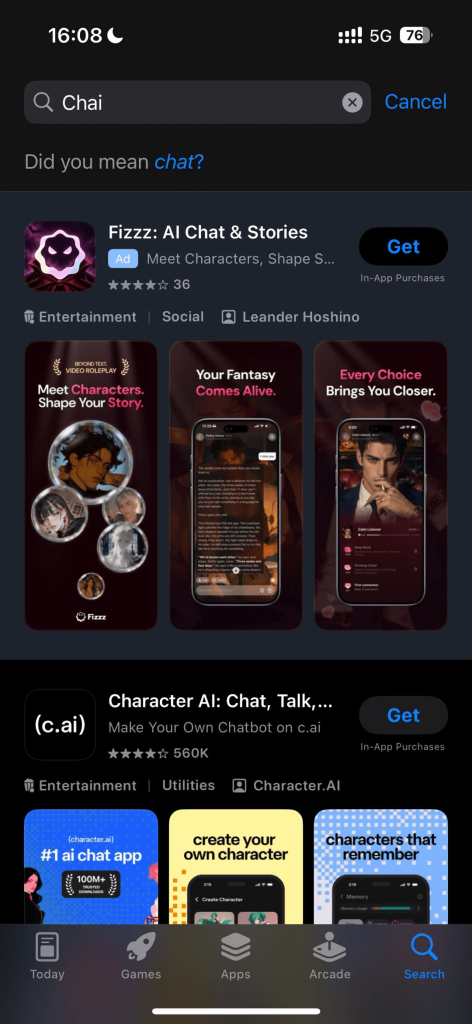
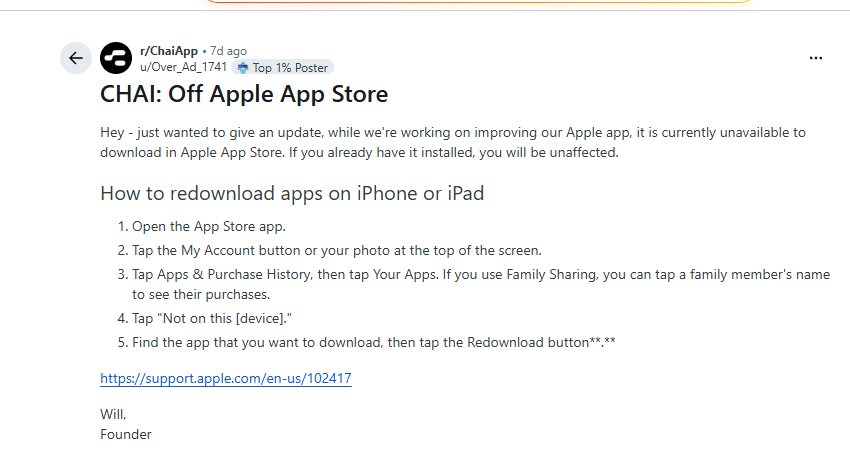
A similar situation has been reported around CHAI. CHAI’s founder posted in the community that the app was temporarily unavailable to download from the Apple App Store while the team worked on improvements, and that users who already had it installed would be unaffected.
Can You Still Use PolyBuzz on iPhone?
If you already have PolyBuzz installed on your iPhone, you may still be able to open it and continue using your account. Some users report that their installed app still works, while others say they have been unable to reinstall it successfully. If PolyBuzz is working on your device, avoid deleting or offloading it until you have another way to access your account.
If You Already Have PolyBuzz Installed
Open the app and check whether you can sign in, access your characters, and continue your conversations. If everything works, you can keep using the installed version while monitoring updates. The app not appearing in App Store search does not automatically mean your account or chat history has been deleted.
If You Previously Downloaded PolyBuzz
If you’ve downloaded PolyBuzz before, you may be able to find it in your Apple purchase history and reinstall it from there.
Open the App Store, tap your profile picture, go to Apps → My Apps (or your purchase history), and look for PolyBuzz under your previously downloaded apps. If a download option is available, try reinstalling it from there.
If You Haven’t Downloaded PolyBuzz or Can’t Reinstall It
If you cannot find a way to download the app, try accessing PolyBuzz through its official website in Safari. Sign in with your existing account and check whether your characters and conversation history are available in the browser version. If you plan to use the website regularly, add it to your iPhone Home Screen or bookmark it in Safari so you can return easily.
An Alternative to Explore: WallBreaker
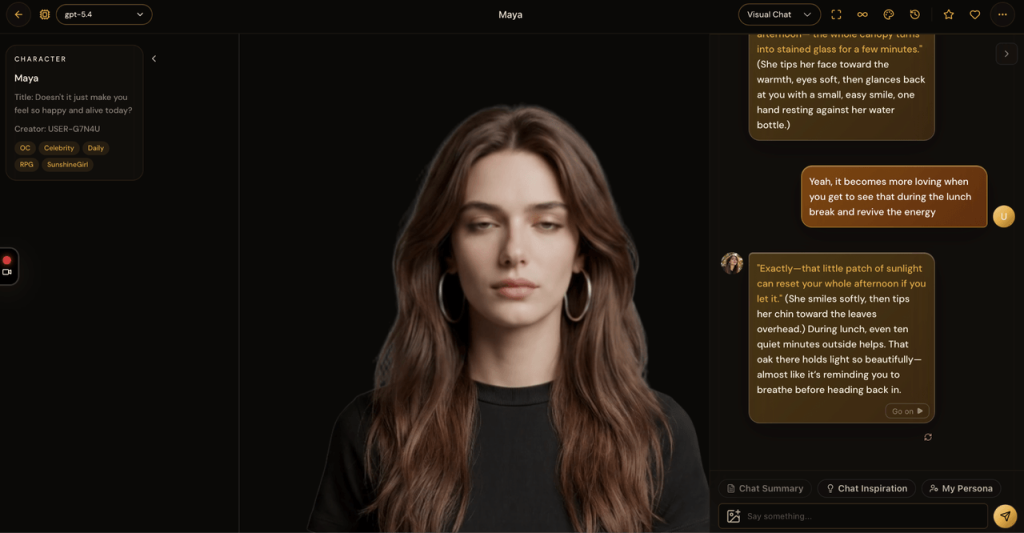
If you’re looking for another AI character chat experience, WallBreaker is worth exploring. It lets users discover AI characters, create their own, and enjoy personalized conversations through a mobile-friendly web experience. You can explore different character styles and find a chat experience that fits the way you like to interact.
WallBreaker has also introduced a range of new features and brings together a broad selection of high-quality AI models, giving users more ways to shape their conversations. The platform is currently free to use, so you can visit it on your phone and try the experience without downloading an app.
Final Thoughts
For existing PolyBuzz users, the first step is to check whether the app already installed on their iPhone still works. If it does, there may be no need to change anything immediately. If you cannot download or reinstall it, the browser version is another way to check account access.
If you want to try a different AI character chat platform, WallBreaker is another web-based option to explore. Compare the experience with your own preferences and choose the platform that works best for you.
Frequently Asked Questions
Why Can’t I Find PolyBuzz on the Apple App Store?
PolyBuzz is currently unavailable in the US Apple App Store search results, which is why users can’t find it through a regular search. The reason for its absence has not been publicly explained.
Has PolyBuzz Been Banned by Apple?
There is no public statement establishing that Apple banned PolyBuzz. The reported issue is that the app does not appear in some users’ App Store search results.
Can I Still Use PolyBuzz If It’s Already Installed?
Some users report that their installed copy continues to work. Open the app on your iPhone to check whether you can still sign in and access your chats.
Can I Use PolyBuzz Without the iPhone App?
If you cannot download or reinstall the app, try opening the official PolyBuzz website in Safari and signing in with your existing account. You can bookmark the website for easier access.
When Will PolyBuzz Return to the Apple App Store?
No return date has been announced. Check the App Store listing for your region and PolyBuzz’s official channels for updates.